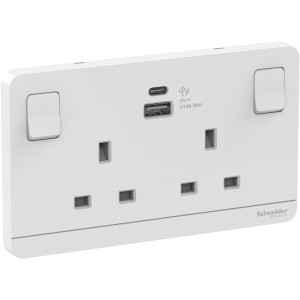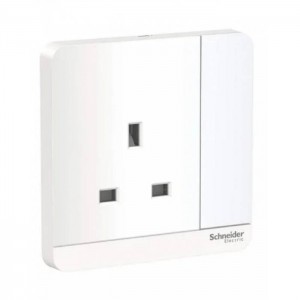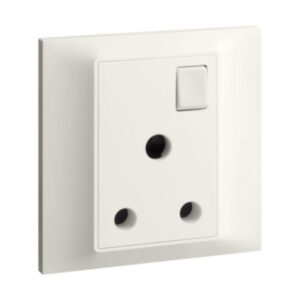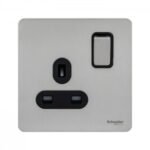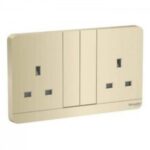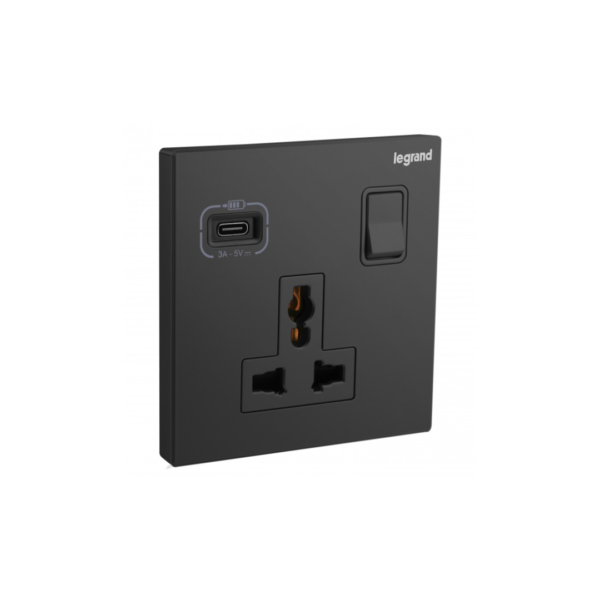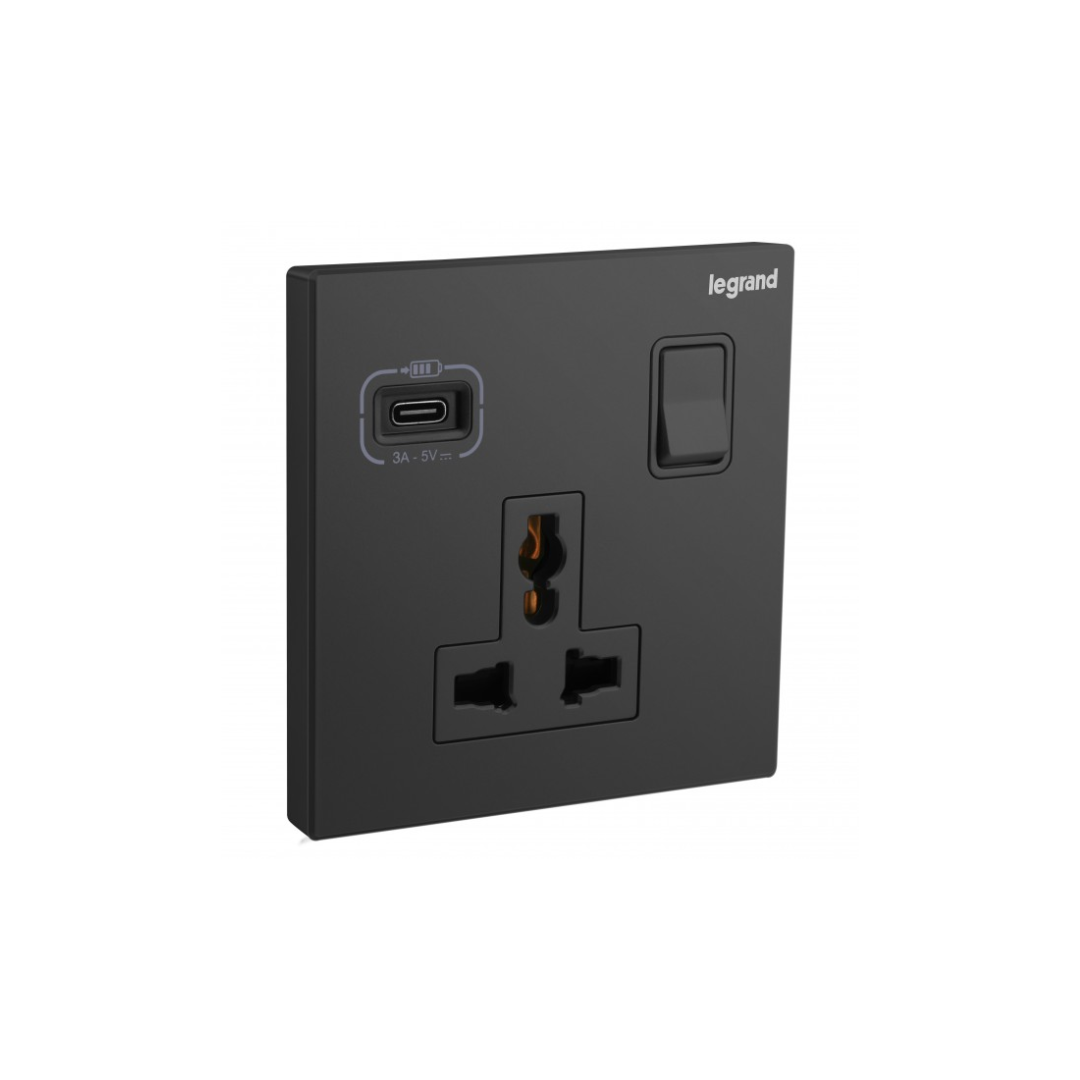

Legrand Galion Universal Switched Socket + Usb Type C

251.39 د.إ

Notice: Pricing Updates

Due to current global supply and market conditions, product prices may occasionally change. If there is any change in the price of items in your order, our customer support team will reach out to you for confirmation before proceeding further. We sincerely appreciate your understanding and thank you for your continued support.

  • Space-saving
  • Versatility
  • Energy efficiency
  • Safety
  • Aesthetics

10 in stock

Description

The Legrand Galion Universal Switched Socket + USB Type C is an electrical wall socket that features a universal design suitable for most plugs used worldwide. It is equipped with two electrical outlets and two USB Type-C ports, allowing users to charge their devices directly from the wall. The device also features a built-in switch that enables users to turn off the power supply to the socket when not in use, making it energy-efficient and reducing standby power consumption.
The Legrand Galion Universal Switched Socket with USB Type C is made of high-quality materials and is designed to be durable and long-lasting. Its modern design and sleek appearance make it an ideal choice for any home or office setting. It is easy to install and comes with all the necessary hardware for a quick and simple setup. The Legrand Galion Universal Switched Socket with USB Type C is a reliable and convenient solution for all your charging needs. It provides a safe and efficient way to power your devices while also offering energy savings and a stylish design.

Benefits

  • Space-saving
  • Versatility
  • Energy efficiency
  • Safety
  • Aesthetics

Features

  • Built-in switch
  • Suitable for most plugs
  • Reliable and convenient

How to use

Step 1: Ensure that the socket is installed properly by a qualified electrician and that the power supply is turned on.

Step 2: To use the electrical outlets, insert the plug of your device into one of the two sockets on the outlet panel.

Step 3: To use the USB ports, connect your USB cable to one of the USB Type C ports on the socket panel and connect the other end to your device.

Step 4: If you want to turn off the power supply to the socket when it is not in use, use the built-in switch by pushing it to the off position. This will also help reduce standby power consumption.

Step 5: When you are finished using the socket or USB ports, disconnect your devices by removing the plug or USB cable.

SKU: 282485-C Category: Tag:

BSET SELLING PRODUCTS

RELATED PRODUCTS