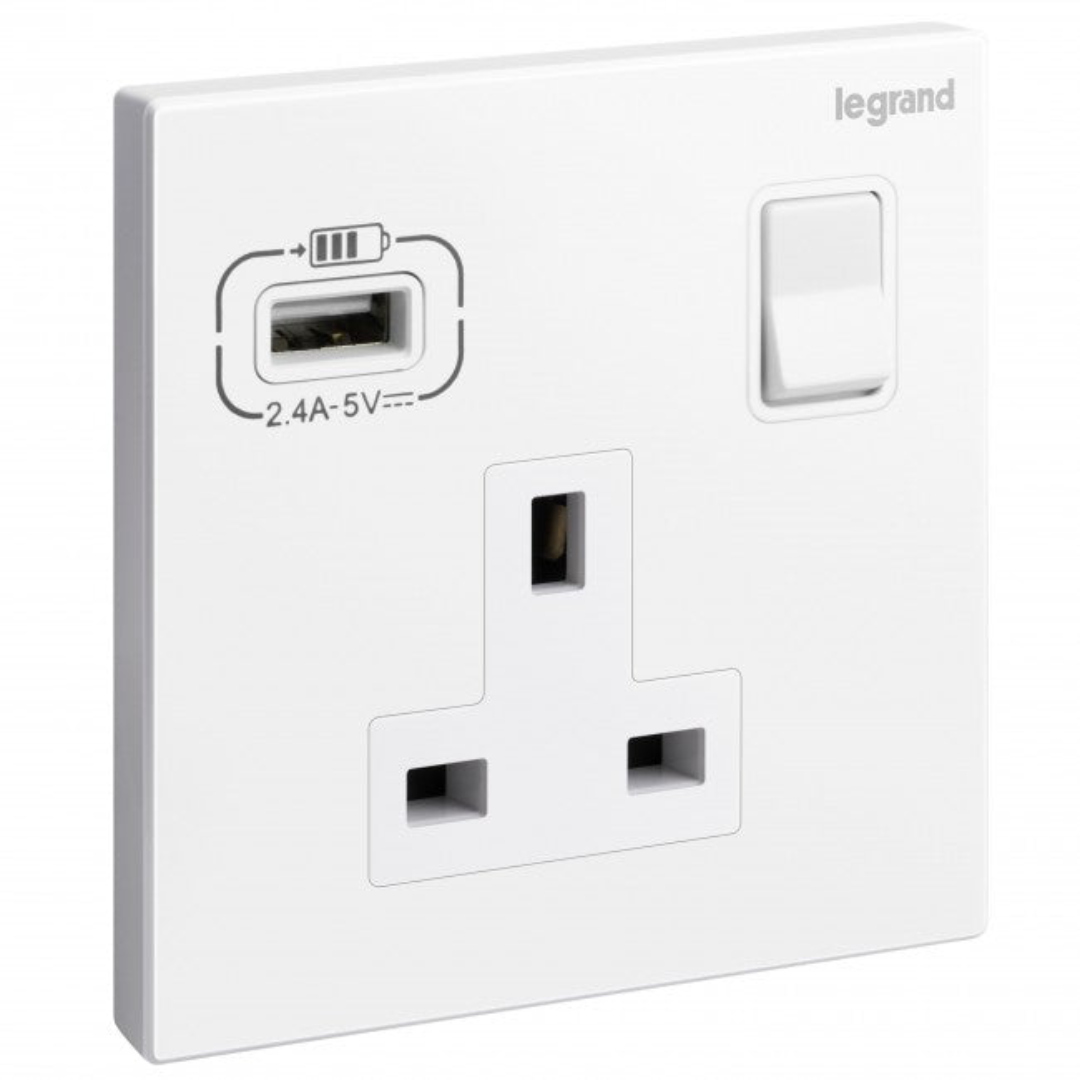
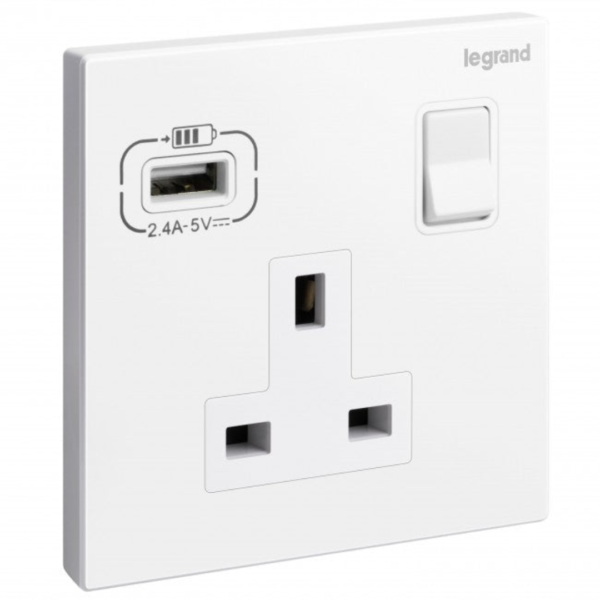
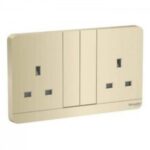
13A Single Switched Socket + USB Type-A is an electrical socket designed for domestic and commercial use that features a single power outlet, a single switch to control the electrical current flowing through it, and a USB Type-A port for charging compatible devices. This socket has a maximum load rating of 13 amps and 250 volts, making it suitable for a wide range of devices and appliances. The single-pole design of the socket means that it has a single switch that controls the flow of current to the socket outlet.
The USB Type-A port on the socket allows users to charge their compatible devices directly from the socket, without the need for a separate charger or adapter. The port is rated at 5 volts and 2.1 amps, which is suitable for charging most smartphones, tablets, and other USB-powered devices. The socket is available in a range of finishes to complement any interior decor and is made from high-quality, durable materials to ensure long-lasting performance. It can be installed in any standard electrical box and is suitable for use in homes, offices, hotels, and other commercial settings.
Benefits
- Space-saving
- Versatility
- Energy efficiency
- Safety
- Aesthetics
Features
- Has a maximum load rating of 13 amps and 250 volts
- Rated at 5 volts and 2.1 amps
- Made from high-quality, durable materials to ensure long-lasting performance
How to use
Step 1: Ensure that the power supply to the socket is switched off before attempting to use it.
Step 2: Insert the plug of the device or appliance you wish to use into the socket outlet on the socket.
Step 3: Use the switch to turn on the power supply at the socket. The switch is located on the socket and controls the flow of electrical current to the socket outlet.
Step 4: To charge a compatible device using the USB Type-A port, simply connect the device to the port using a USB cable.
Step 5: When the device is connected and charging, the LED indicator light on the USB port will illuminate, indicating that the port is in use.
Step 6: If the device or appliance is functioning properly, it should start operating as soon as the power supply is switched on.
Step 7: When you are finished using the socket, switch off the power supply to the socket using the switch. This will help conserve energy and reduce the risk of electrical accidents.
Step 8: Always ensure that the socket is properly installed and wired by a qualified electrician and that it is used in accordance with any safety guidelines or regulations that apply to your location.










 Showers & Hoses
 Construction Adhesives
 Construction Chemicals
 Adhesives / Sealants
 General Supplies
 Site Essentials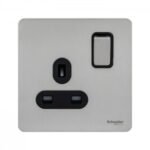
 Circuit Breakers
 Switches & Sockets
 Interior Wall Paint
 Interior Emulsion Paint
 Matt Finish Emulsion
 Silk Finish Emulsion
 Paint
Paint Spray Paints
 Primers & Sealers
 Angle Valves
 Faucet and Mixers
 Shattafs
 Shower Set