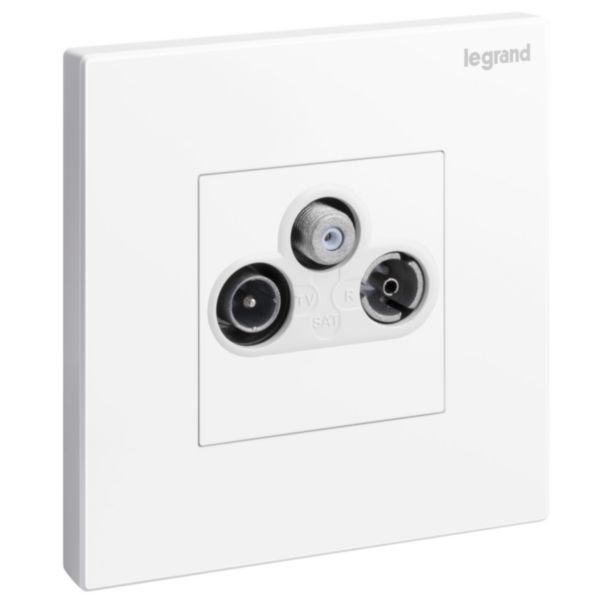
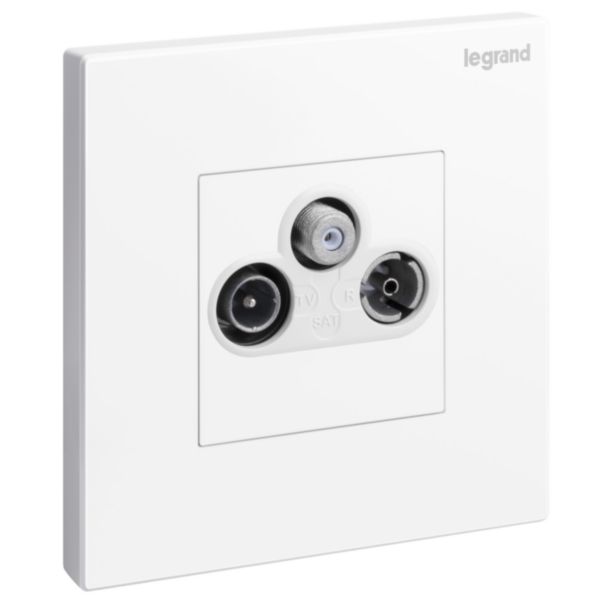
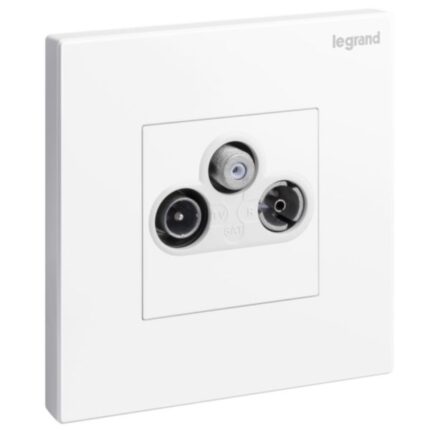
The Legrand Galion TV + FM + Sat Socket is an electrical socket designed for use with TV, FM, and satellite systems. It is commonly used to connect audio and video equipment to TV and satellite receivers, allowing users to enjoy high-quality audio and video content from their favorite TV channels and programs. The socket features three separate connectors for TV, FM, and satellite signals, each of which is color-coded for easy identification.
The connectors are designed to provide high-quality signal transmission and are compatible with a range of audio and video equipment. The socket is typically installed in a wall- or surface-mounted box and is wired into the electrical circuitry of the building. It is designed and manufactured to meet high safety standards and is constructed from durable materials that are resistant to wear and tear.
The Legrand Galion TV, FM, and Sat Socket is available in a range of finishes and designs to complement any interior decor and is easy to install and use. It is a reliable and efficient solution for connecting audio and video equipment to TV and satellite systems, providing users with a high-quality audio and video experience.
Features
- Three separate connectors for TV, FM, and satellite signals
- Color-coded for easy identification
- Designed to provide high-quality signal transmission
How to use
Step 1: Identify the connector that corresponds to the signal you wish to use (TV, FM, or satellite). The connectors are colour-coded to help with identification.
Step 2: Connect the cable from your audio or video equipment to the appropriate connector on the socket. For example, if you want to connect your TV to the socket, use the TV connector.
Step 3: Once the cable is connected, turn on your audio or video equipment and select the appropriate input source on your device. This will enable your device to receive the signal from the socket.
Step 4: Adjust the settings on your device as necessary to optimize the audio and video output.
Step 5: When you are finished using the socket, switch off the power supply to the socket using the switch. This will help conserve energy and reduce the risk of electrical accidents.
Step 6: Always ensure that the socket is properly installed and wired by a qualified electrician and that it is used in accordance with any safety guidelines or regulations that apply to your location.









 Showers & Hoses
 Construction Adhesives
 Construction Chemicals
 Adhesives / Sealants
 General Supplies
 Site Essentials
 Circuit Breakers
 Switches & Sockets
 Interior Wall Paint
 Interior Emulsion Paint
 Matt Finish Emulsion
 Silk Finish Emulsion
 Paint
Paint Spray Paints
 Primers & Sealers
 Angle Valves
 Faucet and Mixers
 Shattafs
 Shower Set