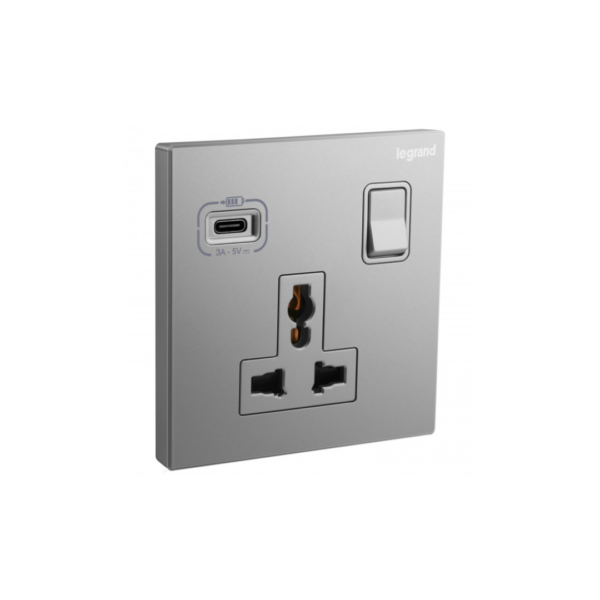
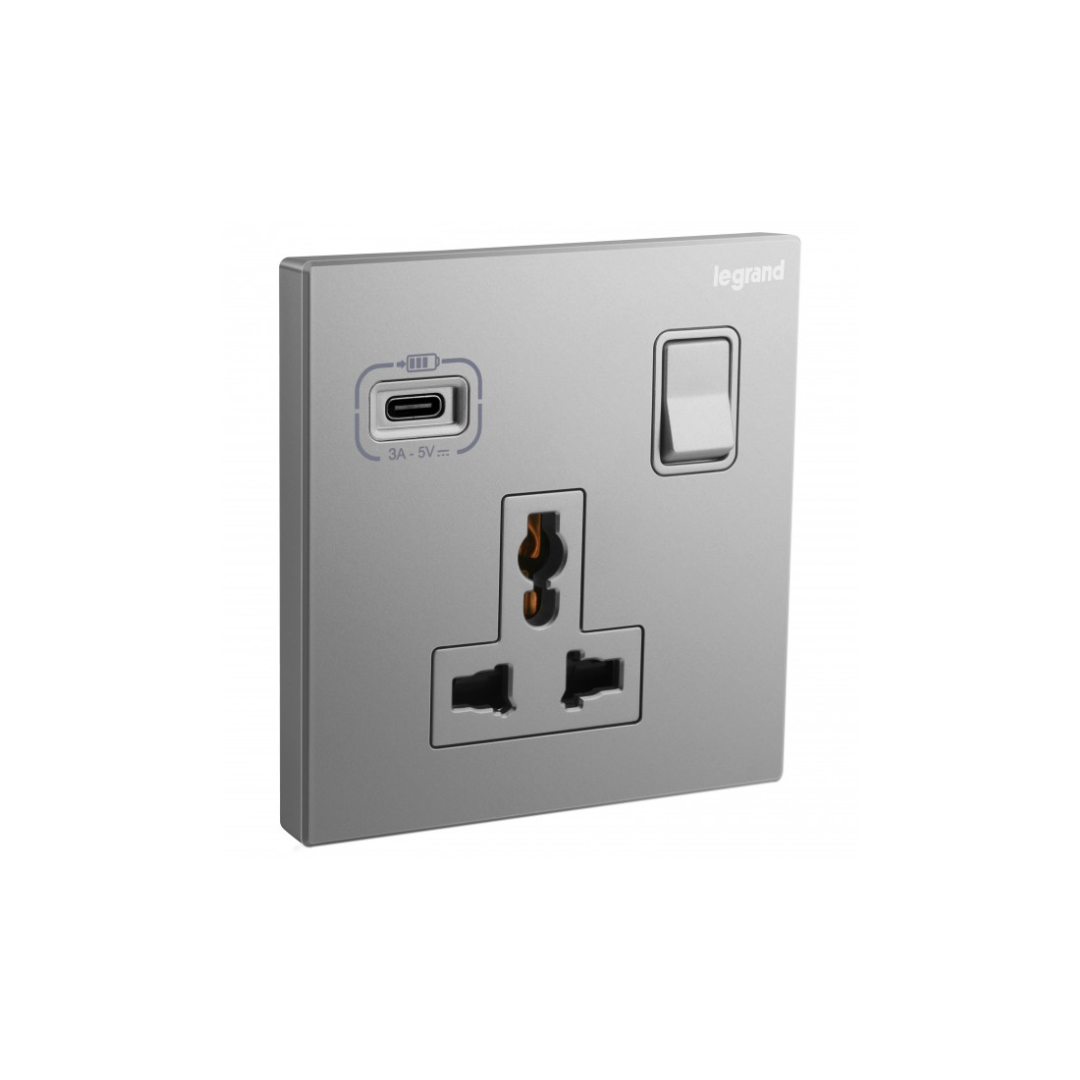

Legrand Galion Universal Switched Socket + Usb Type C

SKU: 282485-C3

د.إ175.90

10 in stock

10 People watching this product now!

Fast Shipping

Carrier information

20k products

Payment methods

24/7 Support

Unlimited help desk

2-day Delivery

Track or off orders

Additional information
RatingDark Silver

Description

The Legrand Galion Universal Switched Socket + USB Type C is an electrical wall socket that features a universal design suitable for most plugs used worldwide. It is equipped with two electrical outlets and two USB Type-C ports, allowing users to charge their devices directly from the wall. The device also features a built-in switch that enables users to turn off the power supply to the socket when not in use, making it energy-efficient and reducing standby power consumption.
The Legrand Galion Universal Switched Socket with USB Type C is made of high-quality materials and is designed to be durable and long-lasting. Its modern design and sleek appearance make it an ideal choice for any home or office setting. It is easy to install and comes with all the necessary hardware for a quick and simple setup. The Legrand Galion Universal Switched Socket with USB Type C is a reliable and convenient solution for all your charging needs. It provides a safe and efficient way to power your devices while also offering energy savings and a stylish design.

Benefits

  • Space-saving
  • Versatility
  • Energy efficiency
  • Safety
  • Aesthetics

Features

  • Built-in switch
  • Suitable for most plugs
  • Reliable and convenient

How to use

Step 1: Ensure that the socket is installed properly by a qualified electrician and that the power supply is turned on.

Step 2: To use the electrical outlets, insert the plug of your device into one of the two sockets on the outlet panel.

Step 3: To use the USB ports, connect your USB cable to one of the USB Type C ports on the socket panel and connect the other end to your device.

Step 4: If you want to turn off the power supply to the socket when it is not in use, use the built-in switch by pushing it to the off position. This will also help reduce standby power consumption.

Step 5: When you are finished using the socket or USB ports, disconnect your devices by removing the plug or USB cable.